
How to write API documentation developers actually read
Most API docs fail not for lack of information but because they ignore how developers really use docs. A practical framework from watching hundreds of integrations.

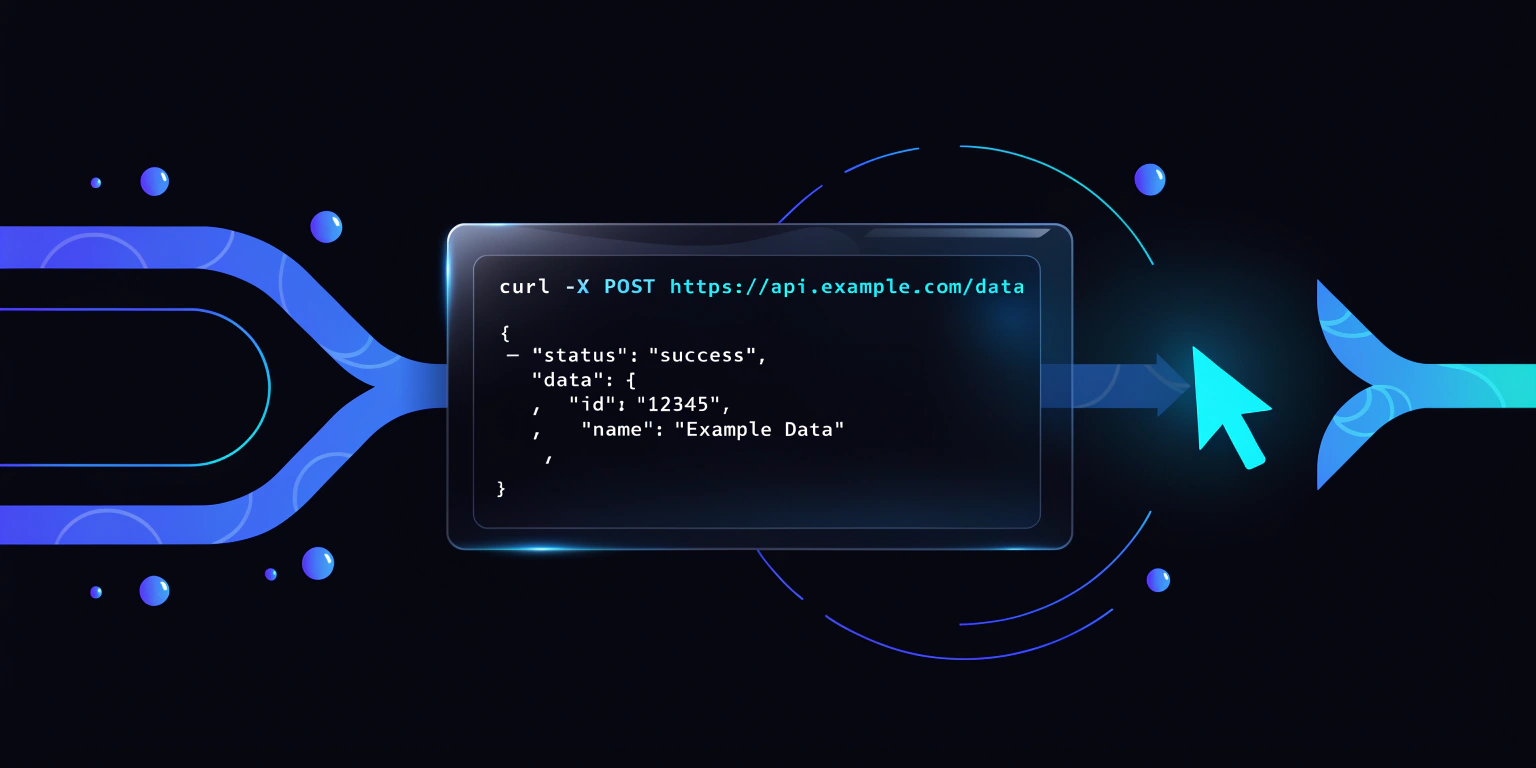
The worst thing a developer can say about your API docs isn’t “they’re wrong.” It’s “I couldn’t find what I needed.” That’s the silent killer — the dev leaves, integrates a competitor, and you never hear back.
After watching hundreds of API integrations at GitDoc, we’ve seen the same mistakes over and over. Here’s the framework we recommend.
The three audiences of every API doc
Every API doc has three reader types, and each needs a different page:
- Evaluators — still deciding whether to use your API. They need a 30-second pitch and a curl example they can paste into a terminal.
- Implementers — mid-integration, looking for the exact endpoint signature. They need clean, skimmable reference pages.
- Troubleshooters — something broke. They need error codes explained and common pitfalls listed.
If your docs only speak to implementers, you lose signups from evaluators and flood your support queue with troubleshooters.
The 4-layer structure that converts
1. Quickstart     → curl command, 60 seconds to first success
2. Core concepts  → what your API models, in plain English
3. Reference      → every endpoint, auto-generated from OpenAPI
4. Recipes        → common tasks solved end-to-end
Layers 1 and 4 are where most teams under-invest. Layer 3 is where most teams waste effort hand-writing what should be auto-generated.
Stop writing reference pages by hand
Reference docs — endpoint signatures, request/response schemas, parameters — should come from your OpenAPI spec. Writing them by hand means they’ll drift from the code within weeks, and every drift is a future bug report from a confused developer.
GitDoc auto-generates reference pages from OpenAPI and keeps them in sync on every push. You focus on the Quickstart and the Recipes — the parts AI can’t write for you.
Make your Quickstart a stopwatch
Your Quickstart isn’t a chapter. It’s a race. The reader lands on it asking “can this API do what I need?” If the answer isn’t clear in 60 seconds with a paste-to-terminal command, you’ve lost them.
Great Quickstarts share three traits:
- One command above the fold that produces visible output
- No optional parameters — just the happy path
- Next-step CTA linking to either “Install the SDK” or “Authenticate”
Recipes > Reference
Developers search for “how do I do X?” — not “what does the /foo endpoint do?” Recipes answer the first question directly:
- “How to paginate large result sets”
- “How to retry failed webhooks”
- “How to filter events by date range”
Each recipe should be self-contained (no chain of prerequisites) and end with a copy-pasteable snippet that works. Reference pages are for the 10% who read carefully. Recipes are for the 90% who skim.
Ship it, then iterate
Don’t wait until docs are “complete.” Ship the Quickstart + 3 recipes + auto-generated reference on day one. Add more recipes as support tickets reveal gaps.
Docs are a product, not a deliverable. The teams with the best API docs are the ones who ship the first version fast and iterate weekly based on real developer behavior — not the ones who spend three months polishing a TOC nobody reads.